Step 1
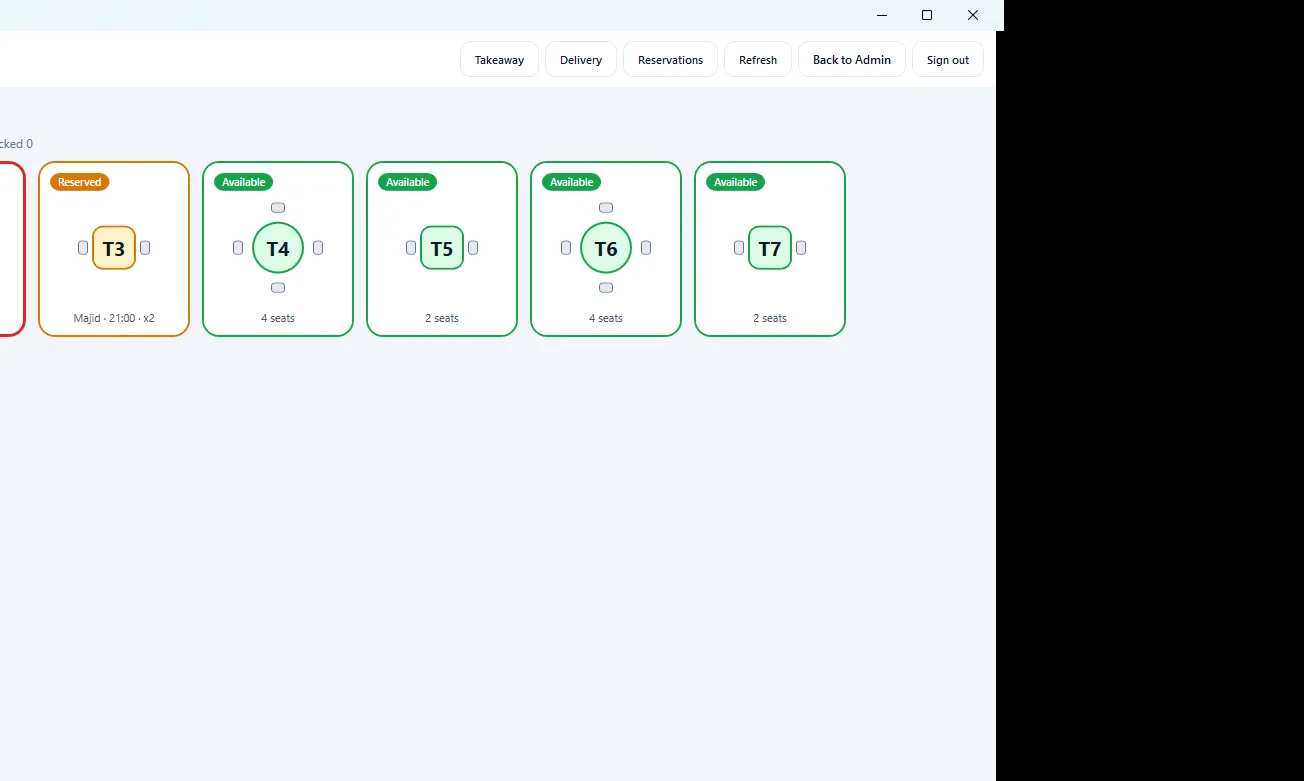
Open a table
Host picks a free seat on the floor map and starts the check.
Own the dining room. Pay per till — not per card swipe. Windows POS with GQORA Admin, floor, kitchen display, and inventory in English and Arabic.
One site license covers your location’s API and GQORA Admin. Add terminals as you grow.
Start free 14-day trial See pricing & buy Full features Try the demo Install guide
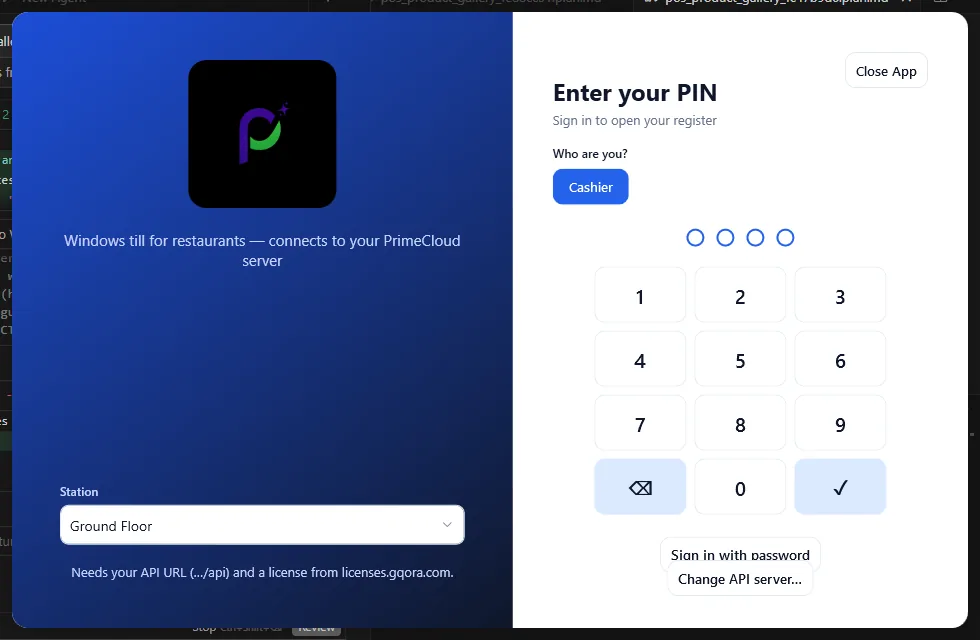
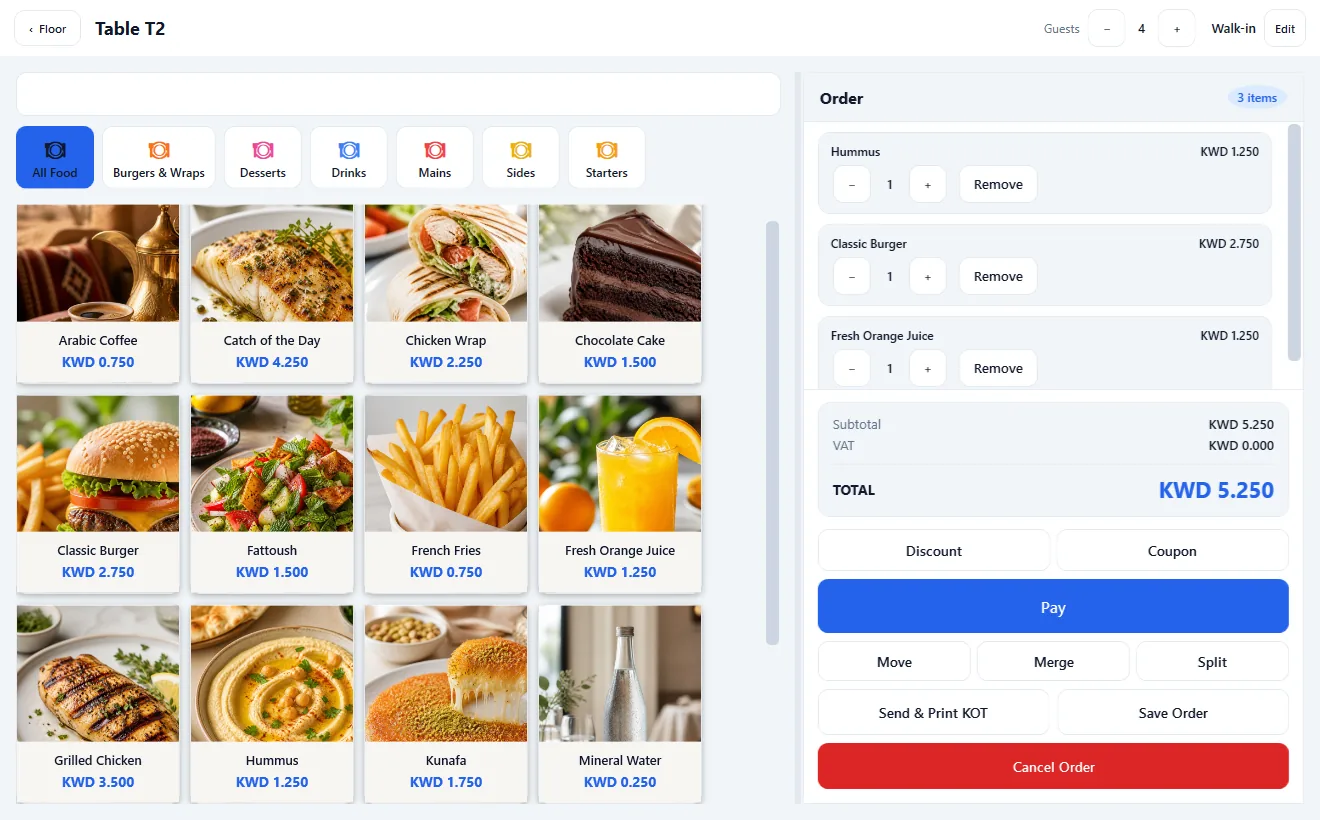
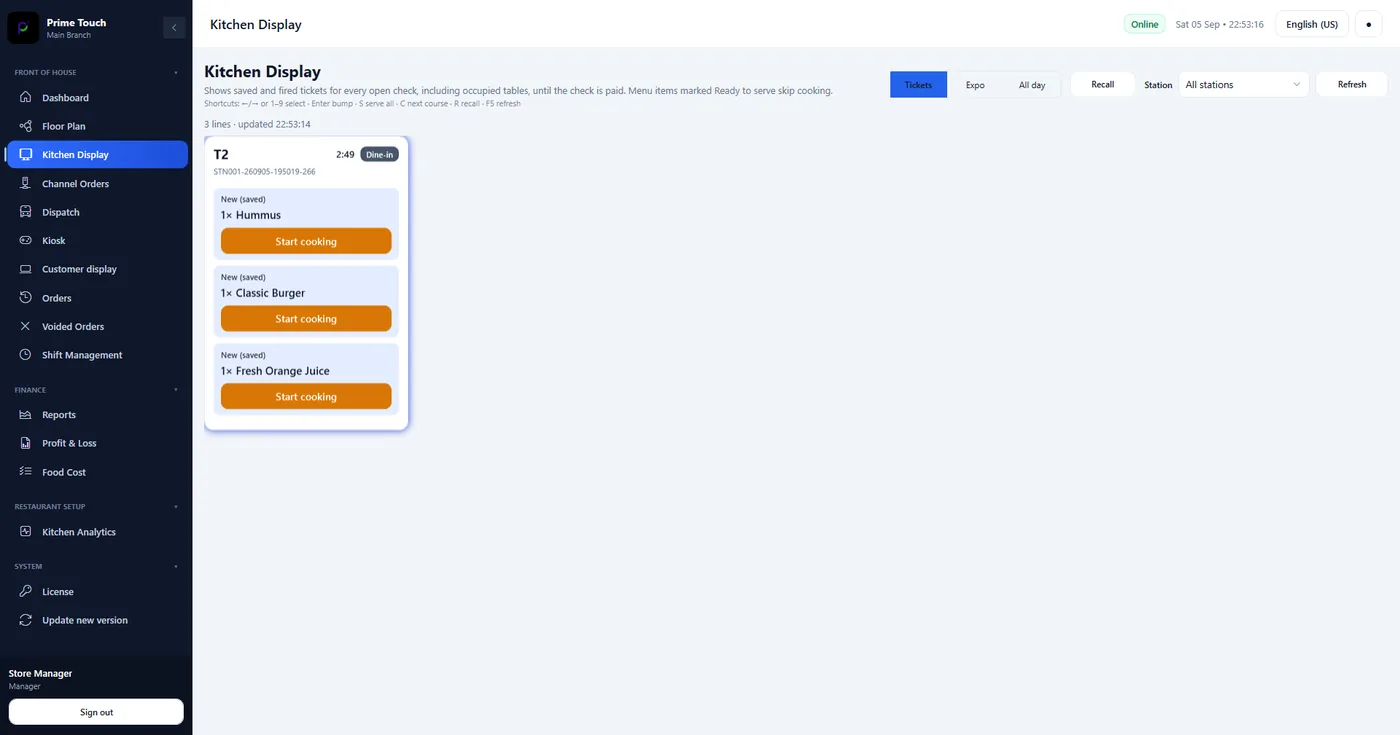
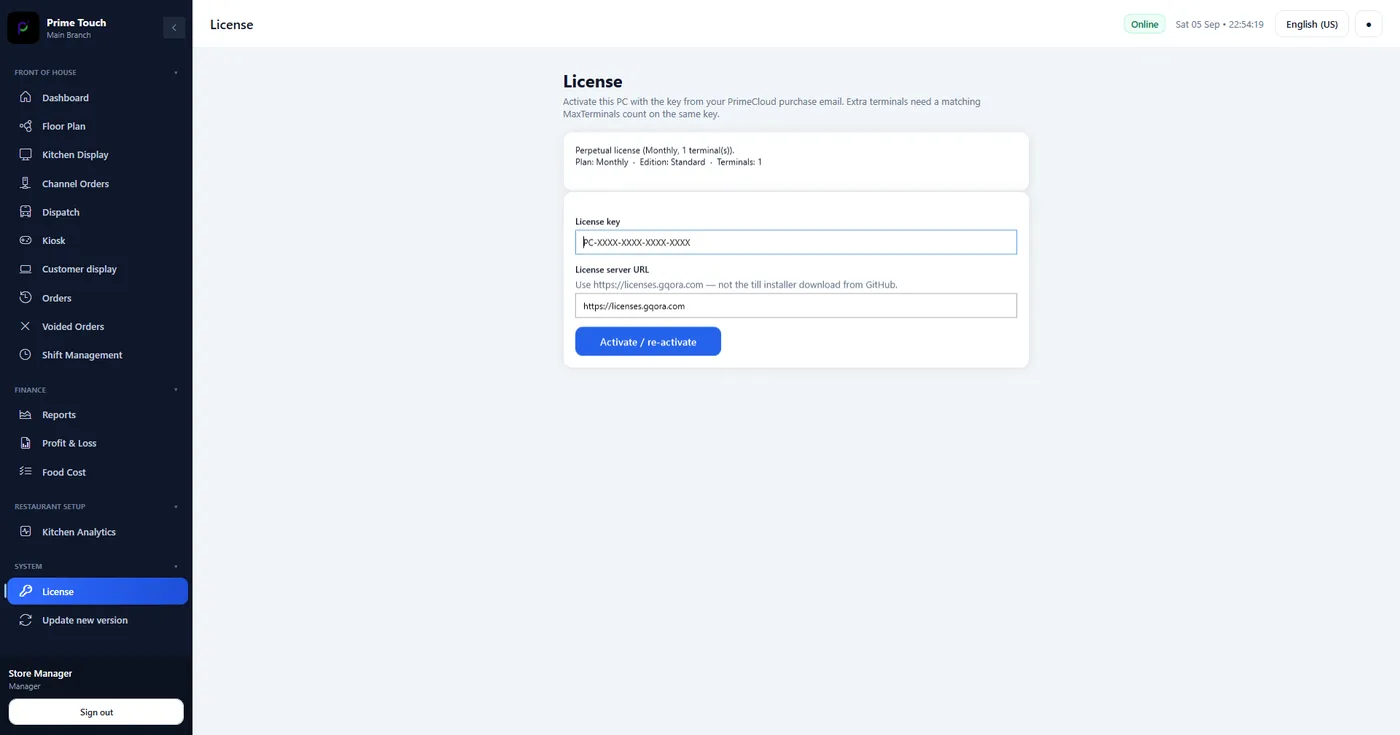
Real screens from GQORA POS — till, floor, kitchen, GQORA Admin, and license activation. Same product you install after you buy.

Same product either way. Choose how the API and GQORA Admin are run.
After you buy — or while trying the demo — install on each PC in a few minutes.
Get PosDesktop-win-Setup.exe and run it on Windows 10/11.
Demo: https://demo.gqora.com/api. Managed: the URL we email. Self-host: your domain /api.
Paste your license key. License server must be https://licenses.gqora.com — never paste the GitHub installer link there.
GQORA POS
Complete path: floor → till → kitchen → pay → Admin. Walk it before you install.
Start a free 14-day trial key, or contact sales for an invoice. We email your license key after payment clears.
Free trial Buy on licenses.gqora.com